
Native Controller & Mouse Calibration for Third-Person Ranked Play
TXCIZ Marvel Rivals aligns native Xbox and DualSense thumbsticks alongside high-DPI mice across Windows 10 and Windows 11 64-bit (16 GB+ RAM) without remapping software, combining 6%–8% stick deadzones, 25ms–40ms delays, and right-shoulder parallax correction inside the TXCIZ Marvel Rivals Suite.
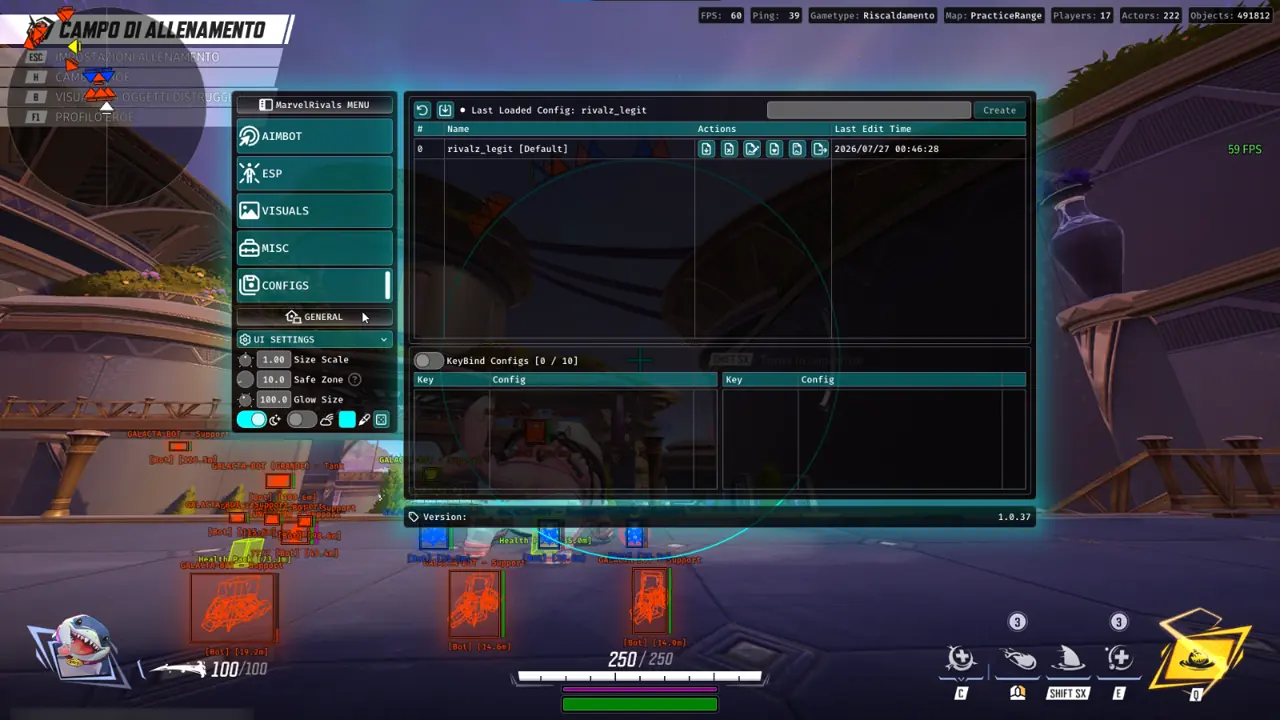
Over-aggressive linear locks clash against thumbstick curves and look choppy on match MVP replays. Blending soft Humanizer curves (0.35 to 0.55) with strict visibility checks preserves natural tracking from Iron Man flights to close Magik dashes.
Hitscan, Tracking, and Controller Flex Presets for 6v6 Ranked
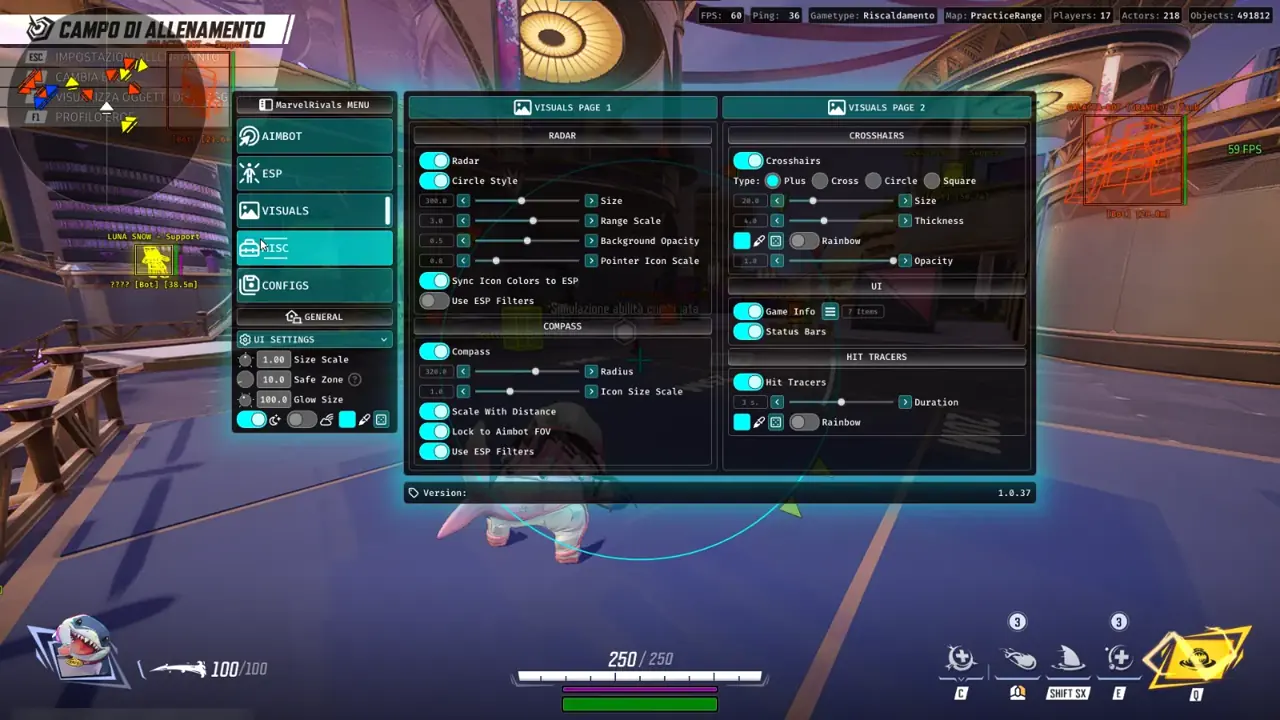
Store three dedicated presets in Config Browser slots so swapping between hitscan sharpshooters, tracking flyers, and controller flex heroes takes one click.
| Hero Archetype | FOV Radius | Target Bone & Scan | Humanizer Smoothing Style | Stick To Target |
|---|---|---|---|---|
| Hitscan Precision (Hela, Punisher) | 3.0° – 4.2° | Head / Neck + Bone Scan | 0.35–0.45 Medium-Slow S-Curve | Enabled |
| Airborne & Tracking (Star-Lord, Storm) | 4.5° – 6.0° | Upper Chest + Bone Scan | 0.40–0.55 Balanced Continuous | Enabled |
| Controller Flex Preset (Xbox / DualSense) | 4.0° – 5.5° | Nearest Visible Bone | Soft Entry + 6%–8% Deadzone Blend | Enabled + 30ms Delay |
MVP Replay and Ranked Killcam Discipline
Leaving Target Non-Visible disabled and setting Aim Key Delay (25ms–40ms) prevents suspicious camera tugs toward shielded corners on competitive Domination replays, while soft projectile curves suit Hawkeye arrows better than tight hitscan Star-Lord beams.
Five-Step Dual-Input Setup Without Thumbstick Conflict
Follow these five adjustments so assisted tracking complements thumbstick deflection or mouse micro-corrections cleanly.
- Bind Lock-On to Left Trigger or a side mouse button so manual camera rotation stays unrestricted outside active duels.
- Set controller Stick Aimbot margin at
6%–8%above native stick drift so idle inputs never jitter. - Keep Target Non-Visible disabled so destructible pillars, gargoyles, and shields block premature pulls.
- Select Closest To Crosshair or Priority Switch (Strategists vs. Nearest Threat) for disciplined 6v6 teamfight targeting.
- Enable a static
2pxcyan Crosshair inside Module 04 Visuals to counter third-person parallax across tall Vanguards and small Strategists.
Ranked Profile Management & Companion Guides
Validating 100% display scaling in Borderless Windowed mode keeps separate melee (Magik) and hitscan (Punisher) Config Browser slots aligned cleanly across Shin-Shibuya and Asgard hero swaps.
Pair your controller tuning with sustain tracking in our Hero Chams & Health Pack Timer Guide, check aerial Page 1 sliders in our Aimbot, Flyers & Healer Guide, or browse all 48 settings in our 6v6 Role ESP Pillar Guide.
Confirm live availability on Live Cheat Status, review Windows setup on Windows 10 & 11 Setup Guide, and select your tier on Marvel Rivals PC Cheats.
Prerequisites, Expected Outcome & Fast Triage
Verify your Windows environment, RAM, and controller state before launching TXCIZ Marvel Rivals.
- Prerequisites: Windows 10/11 64-bit (
24H2-26H2), 16 GB+ RAM, Windowed or Borderless (100%scale, HDR OFF), Step 2 toggles OFF,/statusbadge Undetected. - Expected Outcome: Library Launch displays [+] You can open the game now;
F2at Main Menu triggers a beep; Left Trigger or Mouse Aim Key engages smooth Humanizer curves while OBS stays StreamProof.
Fast Triage for Common Loader and Controller Issues
Apply these four recovery steps if injection stops, stick motion fights aimbot, or overlays drift.
- Loader closes or 0x00000001: Redo Step 2 Defender settings after reboot, sync Windows Time, and activate
WARP(1.1.1.1). - Stuck 10% or 521 / 429: Turn on Cloudflare
WARP(1.1.1.1) or wait15-30minutes for429limits to clear. - Controller drift or offset crosshair: Raise deadzone margin to
8%, use Borderless at100%DPI, and close NVIDIA, Discord, or RTSS overlays. - BSOD or MsSo64.sys: Update drivers, keep HVCI and Hyper-V off (pause BitLocker first), and send
Minidumpplusinjector.tosin #🎫┃ticket-maker.

