
Hood Warfare 2
Undetected
Your key timer starts only when you redeem it inside Txcizware-Loader.exe — never at checkout. Active time pauses during game updates and stacks if you buy extra time.
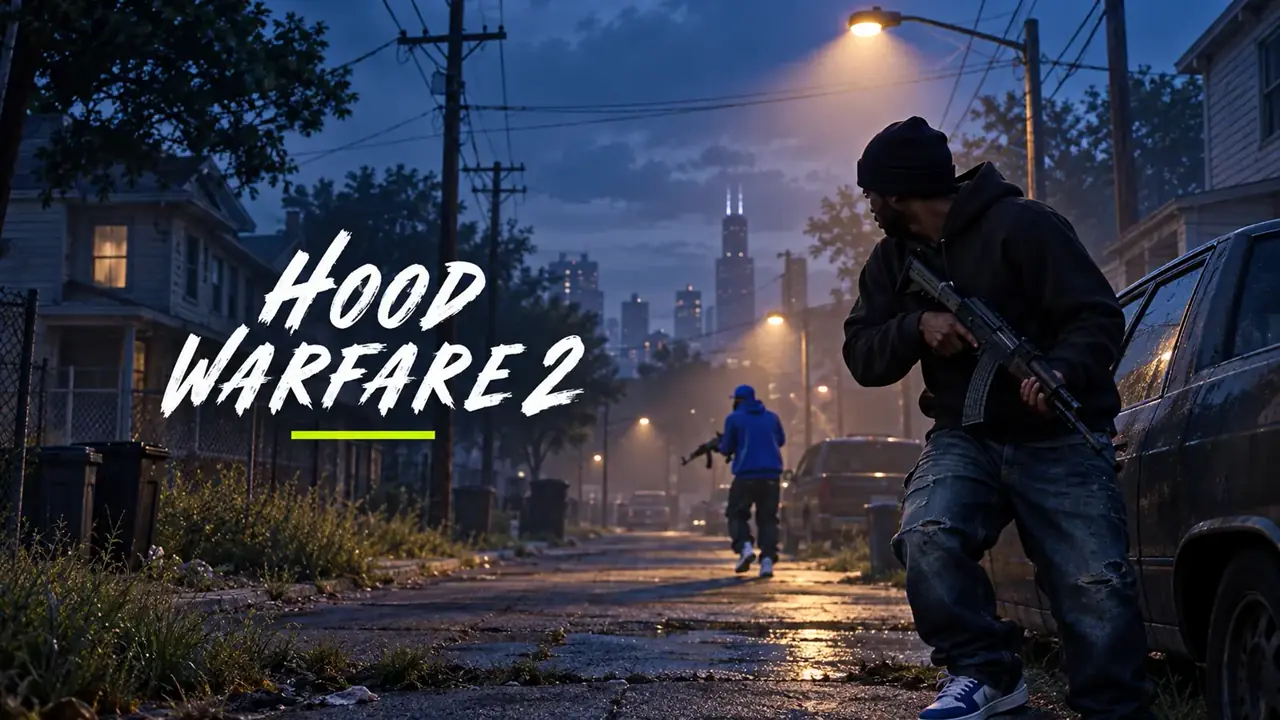
Hood Warfare 2 PC cheats from €3.99 with Magic Bullet, Bone Scan aimbot, street pickup ESP, 2D radar, and camo cycler. Instant keys.
View full features & PC requirements
Choose Payment Method on Stripe
Pay on Stripe's encrypted checkout screen. Available options (Credit or Debit Card, Apple Pay, Google Pay, Klarna, iDEAL, Bancontact, Revolut Pay, EPS, Przelewy24, MobilePay, Amazon Pay, and Link) appear automatically based on your device and country.
For your privacy, Stripe shows only the EUR total (never the game name). After payment, Stripe returns you straight here where your License Key unlocks on screen.
Step-by-Step Setup Guide 6 STEPS
Your License Key unlocks on screen immediately after Stripe payment (time only starts when you redeem it). Follow Steps 1–4 to play, and open Steps 5–6 only if you hit an error. Open Full Setup & Error-Fix Page →
- 1Watch Video & Download Txcizware-Loader.exe (2.61 MB)
- Join Discord (discord.gg/txcizware ↗) and open #📖┃guide (Open Channel ↗)
- Watch the video tutorial first, then follow Steps 1 → 4 in order to play (Steps 5 → 6 are for errors only)
- Download
Txcizware-Loader.exe(2.61 MB) from #📖┃guide into a normal Desktop folder (never inside.zipor OneDrive) — finish Step 2 before opening it
- 2Turn Off Security First & Prepare Windows
- Uninstall First: remove Riot Vanguard, FaceIT AC, Hone, NetLimiter, Omen Gaming Hub, & 3rd-party antivirus (Norton, Avast, AVG, Malwarebytes, McAfee, RAV, Nord; Windows Defender turns back ON on reboot — never use
dcontrol) - Windows Security → Virus & threat → Manage settings: turn OFF all 4 switches (Real-time protection resets ON after restart!)
- Windows Security → Firewall & network: turn OFF Domain, Private, & Public
- Windows Security → App & browser control: turn OFF Smart App Control + all 4 Reputation switches
- Windows Security → Device security → Core isolation: turn OFF Memory integrity + Driver Blocklist (stuck? ON → OFF → restart) and click Dismiss
- Windows Settings & Game Graphics: Win 10/11 (
24H2–26H2, no custom OS), Settings → Time → Sync now, Display Scale 100% (HDR OFF), Game Windowed/Borderless (1920x1080,DX12if offered), & close overlays (Game Bar, Discord, NVIDIA, Medal, RTSS) - BIOS (Only On Driver Error): turn OFF Secure Boot, Fast Boot, & Hyper-V only if Step 3 hits a driver error (pause BitLocker; pre-redeem)
- Uninstall First: remove Riot Vanguard, FaceIT AC, Hone, NetLimiter, Omen Gaming Hub, & 3rd-party antivirus (Norton, Avast, AVG, Malwarebytes, McAfee, RAV, Nord; Windows Defender turns back ON on reboot — never use
- 3Get Key & Start Game (Every Restart)
- Get License Key: copy your key from View Your Key(s) (
/confirmation) or your downloaded.txtreceipt (key timer starts when redeemed in the loader, pauses during updates, & stacks) - Open Loader (Game Closed): keep the game closed, then right-click
Txcizware-Loader.exe→ Run as Administrator (auto-updates) - Loader Account (Inside Loader): register or sign into 1 loader account (3–20 char username, no spaces, 6+ char password — keys lock to this account) and open Account → Redeem new key
- Inject: click Library → Launch for your game and wait for
[+] You can open the game now(leave the loader open) - Open Game & Press
F2: launch the game (Steam or your game launcher), wait at the Main Menu for[~] Press F2 in Main Menu, pressF2(listen for a beep), & wait for the menu to load
- Get License Key: copy your key from View Your Key(s) (
- 4Menu Controls (
Insert) & Staying Safe- Open/Close Menu: press
Insert(INS) to open or close the overlay menu; always close the menu before aiming (F2only loads it, never closes it) - 60% / Compact Keyboard: press
Fn + Insor Windows On-Screen Keyboard, then rebind in Settings → Menu Shortcut (also adjust Theme/DPI there; never bind Left Click — click Reset Default if stuck) - Play Safe (Aim-Supported Titles): keep Smoothing ON (Basic 30–40%, Prediction
1.00, Neck; skips allies), turn OFF Bone Scan, Aim at Knocked, & Stick to Target if shaky, and avoid prefiring walls (#⚙️┃share-your-configs for community configs; OBS Game Capture hides the menu) - Account Safety: only your game account gets banned (no HWID bans) — create a new game account if ever flagged (Steam Family Share is patched); never use a spoofer
- Open/Close Menu: press
- 5
Common Errors & Easy FixesHaving an error? Click to view fixes
- Closes /
0x00000001/00000000/PROVIDER_EXIT/Failed: redo Step 2 (Defender turns back ON after restart!), sync Windows Time, turn onCloudflare WARP (1.1.1.1), restart PC, & Run as Admin Unable to prepare/Design unavailable/Request failed/521/ Stuck10%orRetrieving: turn onCloudflare WARP (1.1.1.1)or a VPN & reopen the loaderAlready runningorFolder permissions: restart your PC & moveTxcizware-Loader.exeto a normal Desktop folder (not inside.zipor OneDrive)Driver failed/MsSo64.sys/VBS: redo Step 2, clear your Windows Sign-in PIN if locked, & turn OFF BIOS Secure Boot, Fast Boot, & Hyper-V- Crash
0xC0000005/0xC0000409/ Missing.dll: install Visual C++ Redistributable & DirectX, update GPU drivers, close overlays, & restart HTTP 429or502:429= turn onCloudflare WARP (1.1.1.1)/ VPN or wait 15–30m;502= brief server outage, retry soonAlready redeemed/HWID mismatch(PROVIDER_ERROR) /Password: keys lock to 1 loader account & 1 PC — open #🎫┃ticket-maker with your loader username + License Key
- Closes /
- 6
Blue Screen (BSOD) & SupportPC crashed (BSOD)? Click for support steps
- Update Drivers & VBS: run Driver Booster (decline extra app offers during install), update all drivers, turn OFF Kernel DMA Protection / VBS, & restart PC
- Still Crashing?: pack the newest
C:\Windows\Minidumpfile +C:\Windows\System32\EACLoader\injector.tosinto 1.rararchive and send it in #🎫┃ticket-maker (or send Diagnostics + error screenshot)