
Controlling Symmetric Power Weapons and Subterranean Flanks
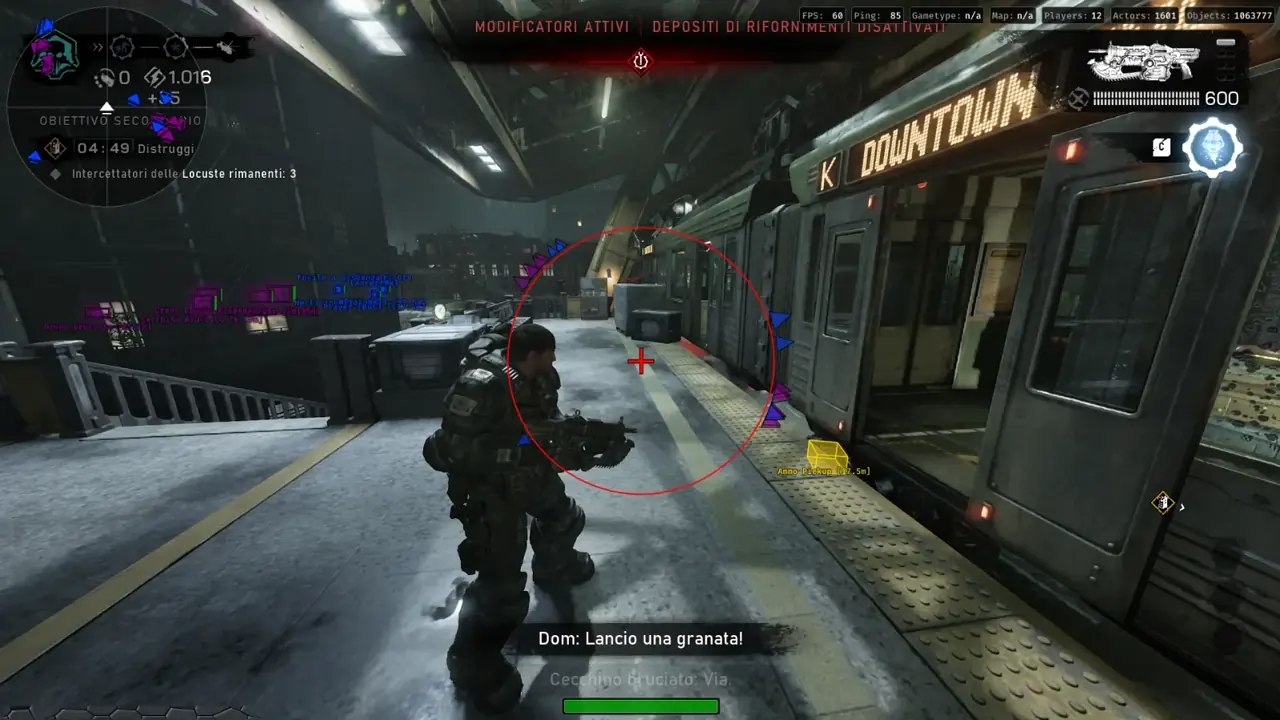
The TXCIZ Gears of War: E-Day Suite pairs 02. ESP Players and Ammo Pickups filters with 03. Visuals 360° Radar, Compass, and Fullbright on Windows 10/11 64-bit, giving Versus squads early warning on Boomshot, Longshot, and Torque Bow rotations while brightening dark Locust Emergence zones.
Symmetric Versus playlists hinge on power-weapon timing and two-angle Lancer crossfires. Letting an opposing squad grab Boomshot uncontested or flank unseen behind smoke grenades swings close Execution and King of the Hill rounds instantly.
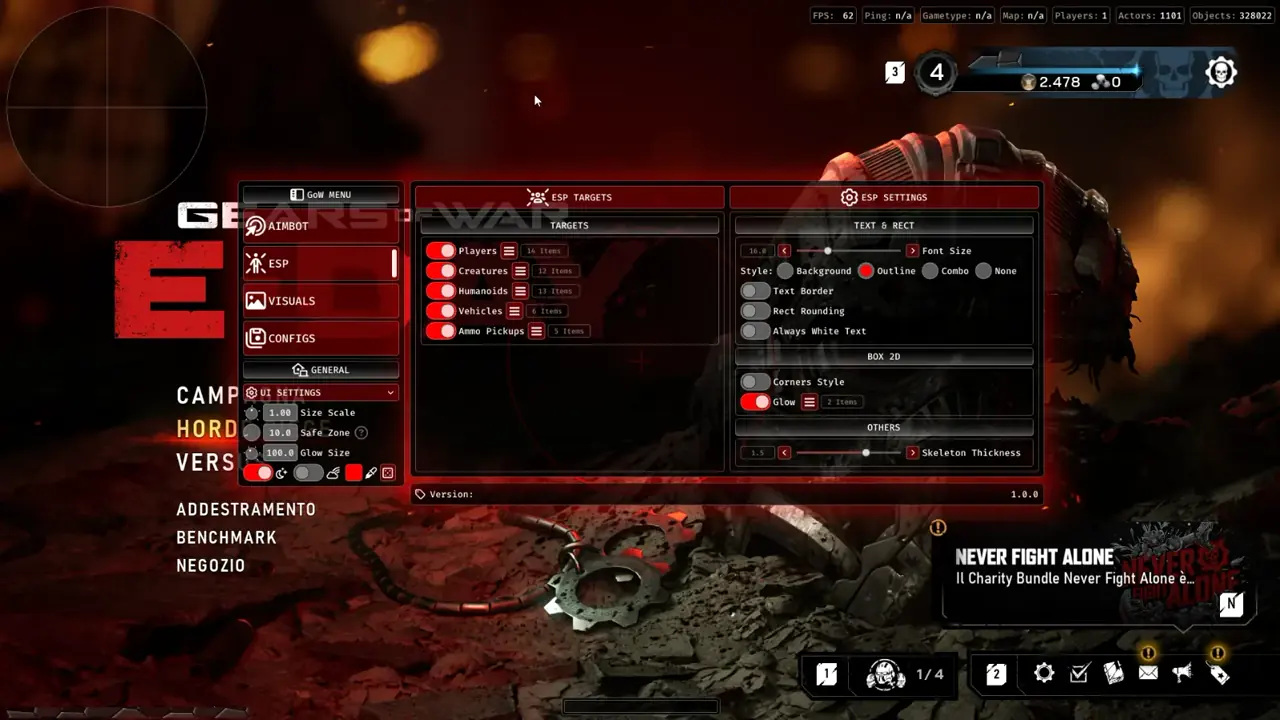
ESP Text Borders, Skeleton Thickness, and Compass Clamping
Inside 02. ESP, tuning Font Size (16.0 px), Text Border (Combo or Outline), Always White Text, Rect Rounding, Corners Style 2D boxes, and 1.5 px Skeleton Thickness keeps labels legible over bright explosions and dark rubble. In 03. Visuals, enabling Sync Icon Colors to ESP and Use ESP Filters keeps your 300 px Circle Radar and 320 px Directional Compass clean.
Adjusting Camera FOV up to 120.0° alongside Dark Mode and subtle Glow Size in 05. UI Settings widens subterranean tunnel awareness while keeping smoke-heavy power-weapon contests uncluttered.
- Ammo Pickups (5 options): Track loose power weapon spawns and resupply crates across Kalona intersections.
- Scale With Distance: Shrink distant Compass icons automatically so close flanks remain dominant.
- Game Info (7 items): Monitor active ammo counts and frame telemetry without opening menus.
- Circle Radar Opacity (0.5): Read player icon trails behind cover while preserving clear map floor contrast.
Recommended Map-Control, Fullbright, and Radar Settings
Tune 02. ESP, 03. Visuals, and 05. UI Settings for crisp visibility across 1080p, 1440p, and 4K displays.
| Menu Tab | Feature Control | Recommended Value | In-Match Advantage |
|---|---|---|---|
| 02. ESP | Players and Weapon Display | 1.5 px Skeleton · Enemies Highlighted | Spots Gnasher vs Boomshot/Longshot swaps behind cover |
| 02. ESP | Ammo Pickups and Creatures | Ammo Pickups ON · Creatures ON in Horde | Tracks loose magazines, weapon drops, and Emergence pushes |
| 03. Visuals | Circle Radar and Compass | 300 px Size · 3.0 Scale · 0.5 Opacity | Tracks rear flanks and clamps markers to FOV |
| 03. Visuals and 05. UI | Fullbright, Camera FOV and Safe Zone | Fullbright ON · FOV 100°–110° · Safe Zone Set | Brightens tunnels without obscuring weapon respawn timers |
Four Steps for Cleaner Power-Weapon Cycles and Squad Crossfires
Combine visual map intel inside 03. Visuals with disciplined squad callouts so every smoke push and Emergence Hole breach gets countered early.
- Check Live Cheat Status and complete Windows Step 2 prep via our Windows Setup Guide.
- In 02. ESP, enable Players, Ammo Pickups, and 1.5 px skeletons with high-contrast enemy colors (Always White Text or Combo border).
- In 03. Visuals, activate Circle Radar (Sync Icon Colors to ESP), toggle Fullbright for dark subterranean warrens, and adjust FOV up to 110°.
- Adjust Safe Zone and Size Scale in 05. UI Settings so radar and Game Info widgets never cover in-game power-weapon spawn rings.
Prerequisites, Expected Outcome and Fast Triage
Requires 64-bit Windows 10/11 (24H2–26H2), 16 GB+ RAM, Steam or Xbox App Borderless display at 100% scale, and Step 2 security switches OFF. Expect clean subterranean lighting, instant weapon-swap tracking, and StreamProof OBS clips. If radar overlaps weapon timers, adjust Safe Zone inside 05. UI Settings; if loader launches stall (521 or 10%), enable Cloudflare WARP (1.1.1.1).
Pair these map-control settings with our Gears of War: E-Day Aimbot and Humanizer Guide, Gears of War: E-Day Horde and Versus ESP Guide, and Gears of War: E-Day Gnasher and Controller Guide, or pick 1-Day (€5.99) to 1-Month (€49.99) access on the Gears of War: E-Day Product Page.
Confirm current uptime on Live Cheat Status and finish Windows setup via the Windows Setup Guide before starting Horde or Versus waves.

