
Managing 64-Player Visual Density in Havoc Warfare Sectors
TXCIZ Delta Force manages 64-player Havoc Warfare density on 64-bit Windows 10 and Windows 11 (16 GB+ RAM) by filtering Enemies Only, clamping Player ESP to 140–160 m, scaling 2D Radar zoom, and disabling Operations Loot clutter. Inspect all presets on the Delta Force Enhancement Suite.
Wide sector maps such as Ascension and Cracked concentrate infantry, armored vehicles, and smoke around single capture flags, making distance clamping essential to keep 144+ FPS frame pacing steady.
Unlike quiet three-player extraction raids, 64-player sector pushes concentrate armored transports, attack helicopters, artillery smoke, and thirty defenders onto single objective flags. Filtering Enemies Only and relying on 2D Radar with Directional Compass keeps your central aiming lane completely clean during hectic multi-squad flag captures, vehicle counter-pushes, and armored rotations across wide maps.
32v32 Frontline Assault vs. Long-Range Recon Presets
Separating infantry breakthrough settings from long-range marksman presets keeps close bunker pushes fast while taming magnified optics across open ridges.
When thirty enemies push a single capture flag in 64-player Havoc Warfare, clamping infantry boxes to 140–160 meters while tracking distant sectors via 2D Radar keeps visual telemetry fast, readable, and completely uncluttered across wide maps.
| Menu Group | Control Name | Frontline Assault Preset | Long-Range Recon Preset |
|---|---|---|---|
| 02. Player ESP | Distance & Team Filter | 140–160 m · Enemies Only | 300 m · Enemies Only |
| 03. Screen Visuals | Dynamic ADS Multiplier | 0.75x on 1x/2x optics | 0.45x on 4x–8x sniper optics |
| 03. Screen Visuals | Compass & Snaplines | Compass On · Snaplines Off | Compass On · Top-Target Snaplines |
| 04. HUD Widgets | Radar Scale & Blip Radius | 90 m scale · 4 px blips | 180 m scale · 3 px blips |
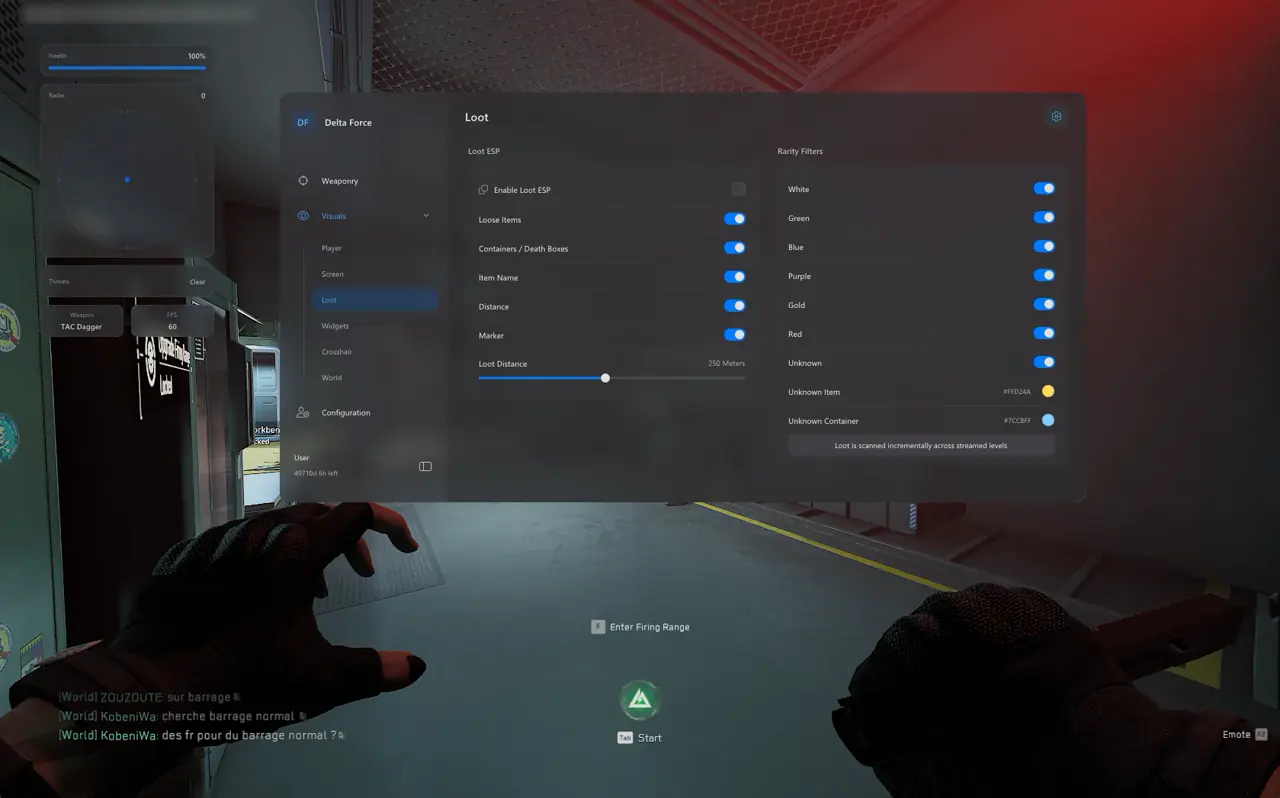
| 07. Operations Loot | All Loot ESP Toggles | Disabled (32v32 mode) | Disabled (32v32 mode) |
Clamping Infantry Clutter During Flag Captures
Disabling friendly snaplines and capping standard infantry health bars around 140 meters keeps crowded bunker objectives readable while letting Directional Compass pins signal distant flankers and armored vehicles.
Keeping a dedicated Infantry Assault slot next to a Vehicle & Sniper Recon slot inside Group 06 ensures seamless sector transitions across Cracked, Ascension, Shafted, and Trench Lines without rebuilding HUD scales mid-match. Use 2D Radar scaling to track incoming armored transports, attack helicopters, and flanking infantry squads cleanly before they enter your primary sector or threaten flag control.
StreamProof OBS Studio Setup & 4-Step Mode Switching
Follow these four display rules and four setup steps to guarantee clean StreamProof recordings alongside instant profile switching between Hazard Operations and Havoc Warfare.
- Borderless Windowed Mode: Run Delta Force in Windowed or Borderless mode rather than Exclusive Fullscreen for clean external compositing.
- 100% Native Windows DPI: Match Windows Display Scale at 100% (or tune DPI Scaling in Group 06) on 1440p and ultrawide screens.
- Game or Application Capture: Target the Delta Force game executable in OBS Studio or Discord rather than full-monitor Display Capture.
- Subtle Bezier Curves: Pair Target Non-Visible OFF with gentle Advanced Bezier Smoothing so recorded clips show natural tracking.
- Open 07. Operations Loot ESP and verify every loot toggle is unchecked for 32v32 gameplay.
- Configure Enemies Only, 90 m–180 m Radar Scale, and your optic-matched Dynamic ADS Multiplier (0.75x or 0.45x).
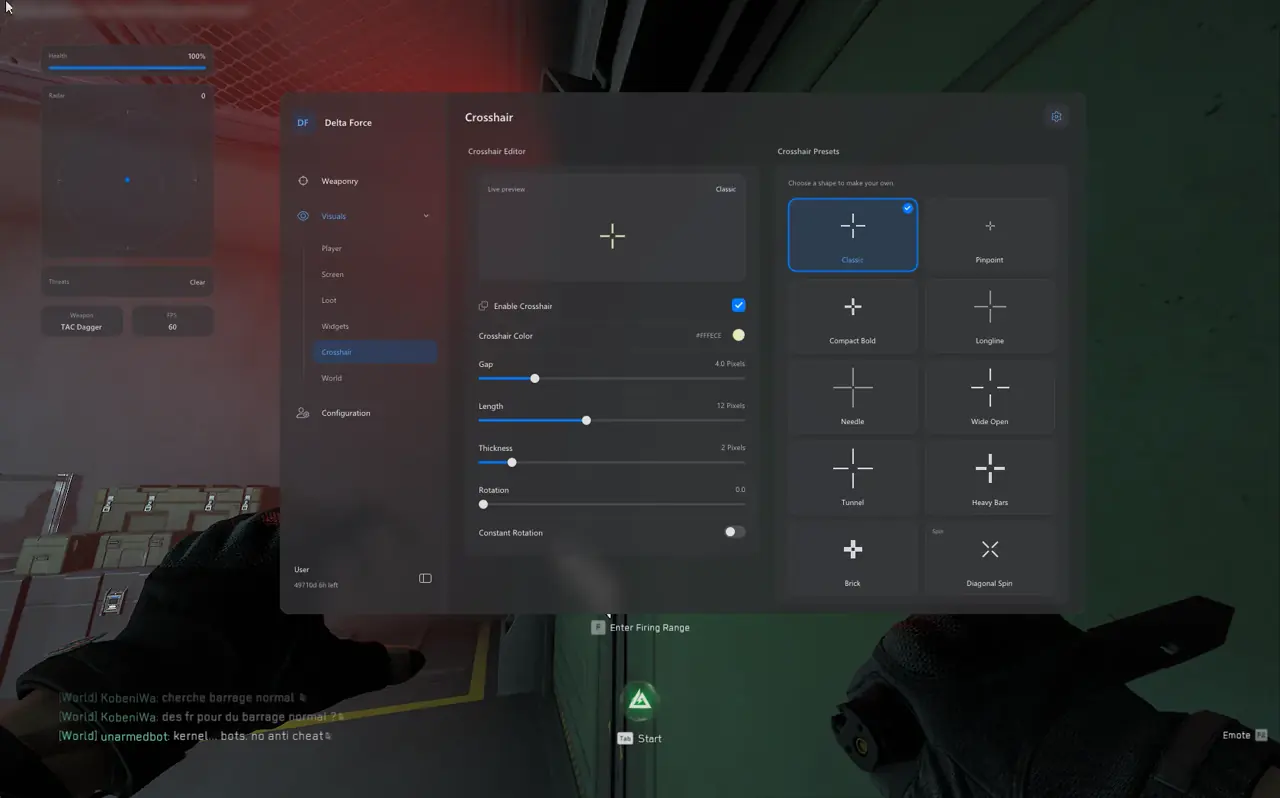
- Save both Frontline Assault and Recon slots inside 06. Misc → Config Browser with distinct non-conflicting Menu Hotkeys.
- Run one practice test with OBS Game Capture active to verify zero skeletons, radar rings, or menu tabs appear in preview.
Prerequisites, Expected Outcome & Fast Triage
Confirm display capture source, RAM headroom, and hotkey mapping before streaming live 64-player matches.
- Prerequisites: 64-bit Windows 10/11 (24H2–26H2), 16 GB+ RAM, Borderless/Windowed at 100% scale, Step 2 security OFF, and /status Undetected.
- Expected Outcome: 2D Radar displays surrounding flankers at 144+ FPS, sniper Dynamic ADS prevents overshooting, and OBS preview stays 100% clean.
- Fast Triage: If overlay shows in Discord/OBS, switch from Screen/Display Capture to Game Capture; if FPS dips in 64-player sectors, cap ESP to 140 m.
Long-range marksman builds benefit from setting Dynamic ADS Multiplier around 0.45x on 4x–8x scopes so rapid hip-fire flicks damp cleanly into micro-adjustments along ridgelines. Saving separate Infantry Assault and Recon profiles in Group 06 lets you swap between sector pushes and vehicle overwatch in two clicks.
Explore all 83 tools in our Delta Force Complete Feature & Setup Guide, extraction looting in the Hazard Operations Loot & Extraction ESP Guide, and Bezier math in the Delta Force Aimbot & Bezier Tuning Guide. Visit Delta Force PC Cheats, check Live Cheat Status, and review the Windows 10 & 11 Setup Guide.

