
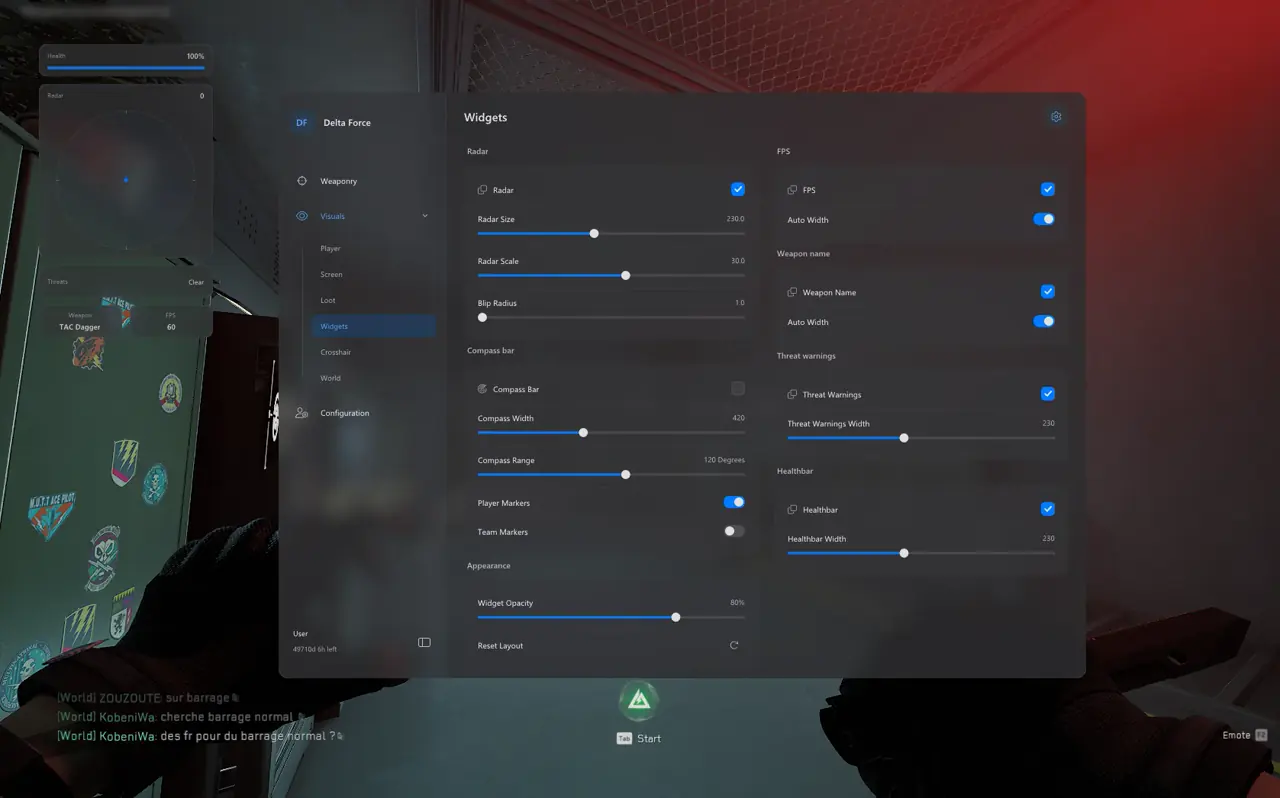

Filtering Six Rarity Tiers Across Zero Dam, Layali Grove, and Space City
TXCIZ 07. Operations Loot ESP reads real in-game item names across loose spawns, locked safes, flight cases, and operator death boxes on Windows 10 and Windows 11, separating White, Green, Blue, Purple, Gold, and Red rarity filters with individual distance caps. Stripping low-tier hardware mid-raid prevents white clutter from blocking enemy skeletons.
- Loose Item & Container ESP: Displays real item names for loose drops, locked safes, and flight cases before opening containers.
- Death Box ESP: Reveals eliminated operator backpacks and rig gear out to 180 m so post-fight looting stays safe from ambushers.
- Mid-Raid Clutter Suppression: Uncheck White, Green, and Blue filters via Menu Hotkey once your backpack holds Purple, Gold, or Red loot.
- Loot Distance & Markers: Configure distinct Maximum Display Distance limits per rarity tier so Zero Dam admin buildings stay clean.
Toggle any rarity filter live via your Menu Hotkey without restarting Delta Force, transitioning smoothly from early-raid backpack filling to late-raid Gold and Red extraction routing. Inspect all 83 tools on Delta Force PC Cheats.
Checking every tool cabinet, coat pocket, and ammo crate manually exposes your three-player squad to third-party rotations from Administrative Center rooftops and river crossings. Clamping White and Green hardware scraps to 30 meters while displaying Purple, Gold, and Red items up to 250 meters keeps high-value container routing fast, readable, and safe during timed extraction runs on contested maps.
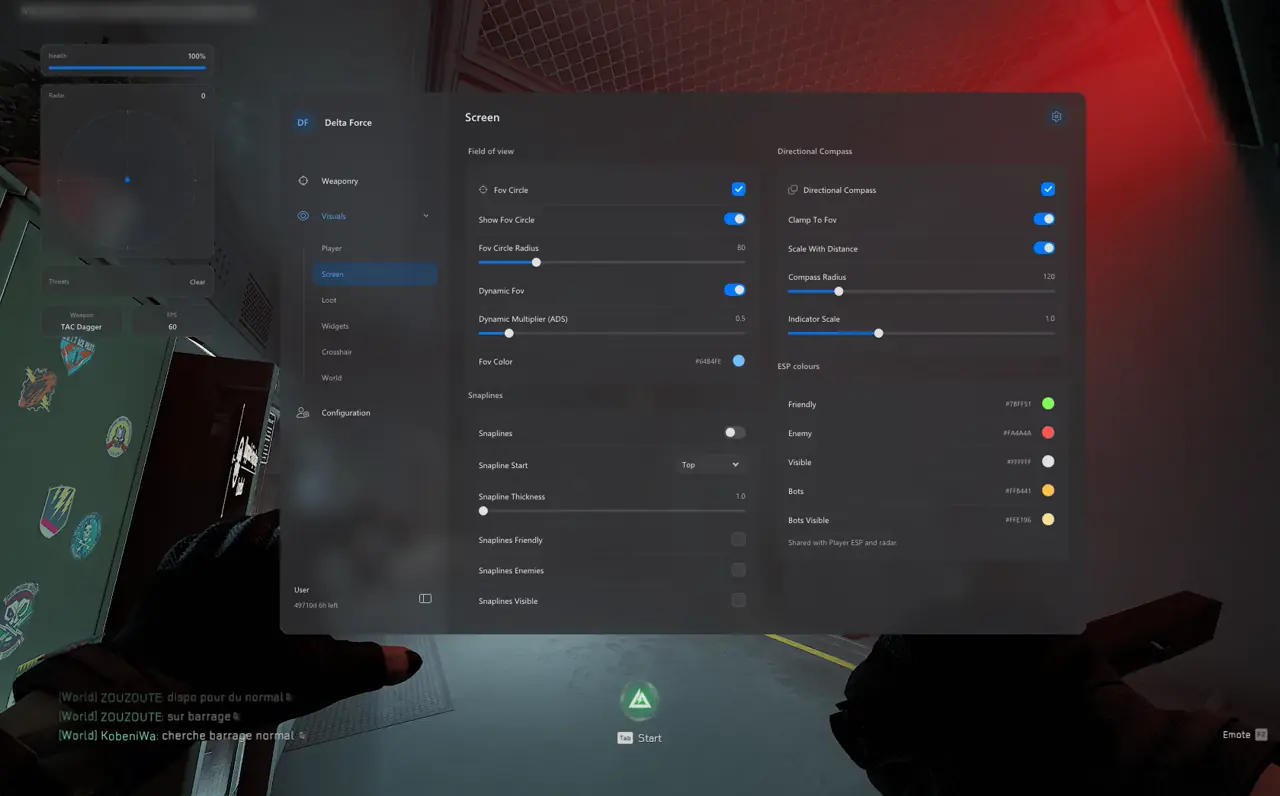
Recommended Rarity Color Filters and Maximum Display Distances
Assigning distinct maximum render distances to each rarity tier ensures keycards and red military electronics remain visible across wide compounds while keeping narrow hallways unobstructed during squad fights.
| Rarity / Object Filter | Target Hazard Operations Items | Raid Toggle | Max Distance |
|---|---|---|---|
| Red & Gold Filters | Keycards, military electronics, rare collectibles, boss drops | Always On | 200 m – 250 m |
| Purple Filter | Modded attachments, barter parts, tier-4 armor kits | Early Raid | 120 m – 150 m |
| Blue Filter | Surgical kits, ammo stacks, quest components | On Demand | 60 m – 80 m |
| Green & White Filters | Common hardware scraps, low-value consumables | Off Mid-Raid | 0 m – 30 m |
| Death Box ESP | Eliminated operator backpacks and rig gear | Always On | 150 m – 180 m |
Post-Fight Death Box Discipline Near Extraction Points
Once your secure case holds high-value Gold or Red collectibles, disable Blue, Green, and White toggles immediately and monitor Player Death Box markers alongside 2D Radar for 30 seconds before looting to spot silent third-party ambushers.
Capping Purple electronics below 120 meters while stretching Gold and Red keycards to 250 meters guides your trio straight toward admin safes and hospital wings without green clutter blocking hallway peeks or extraction corridors when enemy squads rotate late in the match.
5-Step Extraction Routing and Ambush Prevention Workflow
Execute this five-step transition once your backpack reaches target extraction value so your trio reaches extract levers cleanly:
- Press your Menu Hotkey and uncheck White, Green, and Blue rarity toggles inside 07. Operations Loot ESP.
- Keep Death Box ESP and Player Skeleton ESP active out to 180 m to spot silent squads holding elevator or paid extract switches.
- Anchor the movable 2D Radar widget in your upper-left corner with Threat Warnings active for flank detection.
- Keep Aimbot FOV tight at 3.0°–4.5° with Dynamic ADS Multiplier active for smooth long-corridor holds.
- Save this configuration inside 06. Misc → Config Browser as Hazard Operations so you never rebuild rarity tiers.
Prerequisites, Expected Outcome & Fast Triage
Verify display mode and native DPI scale so world loot tags align directly over containers on 1440p and ultrawide monitors.
- Prerequisites: 64-bit Windows 10/11 (24H2–26H2), 16 GB+ RAM, Borderless Windowed at 100% DPI, Step 2 security OFF, and /status Undetected.
- Expected Outcome: Gold and Red loot tags display real item names at 200 m+, OBS Game Capture hides all loot labels, and mode swaps load cleanly.
- Fast Triage: If container labels drift on 1440p or ultrawide displays, exit Exclusive Fullscreen and lock Windows scale to 100%.
Successful Zero Dam, Layali Grove, and Space City raids balance aggressive safe and flight-case routing against silent extraction discipline once Gold or Red items enter your secure pocket. Keep Player Death Box overlays active around extraction levers so silent third-party squads never catch you transferring armor.
Switch seamlessly to 32v32 battles with our Havoc Warfare Radar & OBS Guide, refine Bezier curves in the Delta Force Aimbot & Bezier Tuning Guide, and review all 7 tabs in the Delta Force Complete Feature & Setup Guide. Check Delta Force PC Cheats, Live Cheat Status, and the Windows 10 & 11 Setup Guide.

