
Why Micro-FOV Outperforms Wide Locking in Ranked Siege
The TXCIZ Rainbow Six Siege Suite packs 63 total settings across 8 feature tabs on Windows 10/11 64-bit, letting Ranked players combine subtle 1.8°–3.0° micro-FOV micro-corrections, optical Dynamic ADS Multiplier scaling, and StreamProof HUD telemetry while preserving 100% manual angle discipline.
Wide 10-degree aim circles ruin Siege crosshair placement because nearby defenders behind half-walls pull your reticle off pixel holds. A tight micro-FOV ring assists strictly within the last few millimeters of an already well-placed headshot sweep.
OBS Studio and Discord Screen-Share StreamProof Rules
Streamers and five-stack squad callers protect overlay privacy by targeting the Siege executable directly rather than sharing the full desktop compositor. Always verify StreamProof capture inside Training Grounds or Shooting Range before entering Ranked.
- OBS Game Capture: Select Capture Specific Window pointed at the Siege binary so zero ESP boxes or menus appear on stream.
- Discord Application Window: Share the Borderless game window directly instead of your entire Screen monitor.
- Avoid Monitor Capture: Capturing full Windows display output reveals every external overlay widget to viewers.
Optic-Matched Micro-FOV and Dynamic ADS Multipliers
Calibrate FOV Circle radius and Dynamic ADS Multiplier in 01. Aimbot to match your primary sight magnification.
| Optic Loadout | Base FOV Radius | Dynamic ADS Multiplier | Target Bone | Aim Key Delay |
|---|---|---|---|---|
| 1x Holo / Reflex Entry | 2.6° – 3.0° | 0.80x | Head + Bone Scan | 25 ms |
| 2.5x Magnified ACOG | 2.0° – 2.5° | 0.55x | Head + Bone Scan | 35 ms |
| DMR / Slug Shotgun Hold | 1.8° – 2.2° | 0.50x | Head + Neck Fallback | 30 ms |
Minimalist HUD Widgets, Crosshair Editor, and OBS StreamProof
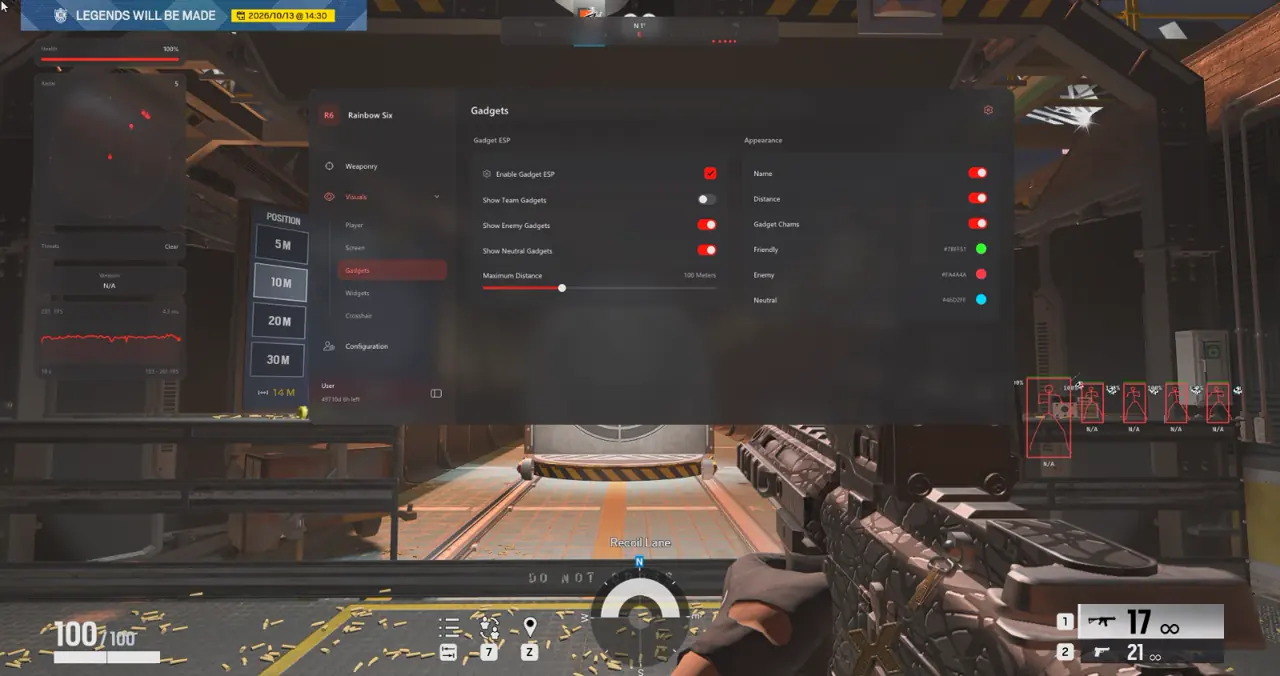
Group 06. Radar & HUD Widgets and 07. Crosshair Editor let streamers keep FPS, weapon tags, and subtle directional alerts visible locally while OBS viewers see clean unedited Siege gameplay.
- Hide Visual FOV Circle: Memorize your 2.5° radius in Shooting Range, then turn off circle drawing while leaving FOV clamping active.
- Movable Widget Opacity: Anchor compact Threat Warnings near the top bezel at clean opacity without overlapping teammate icons.
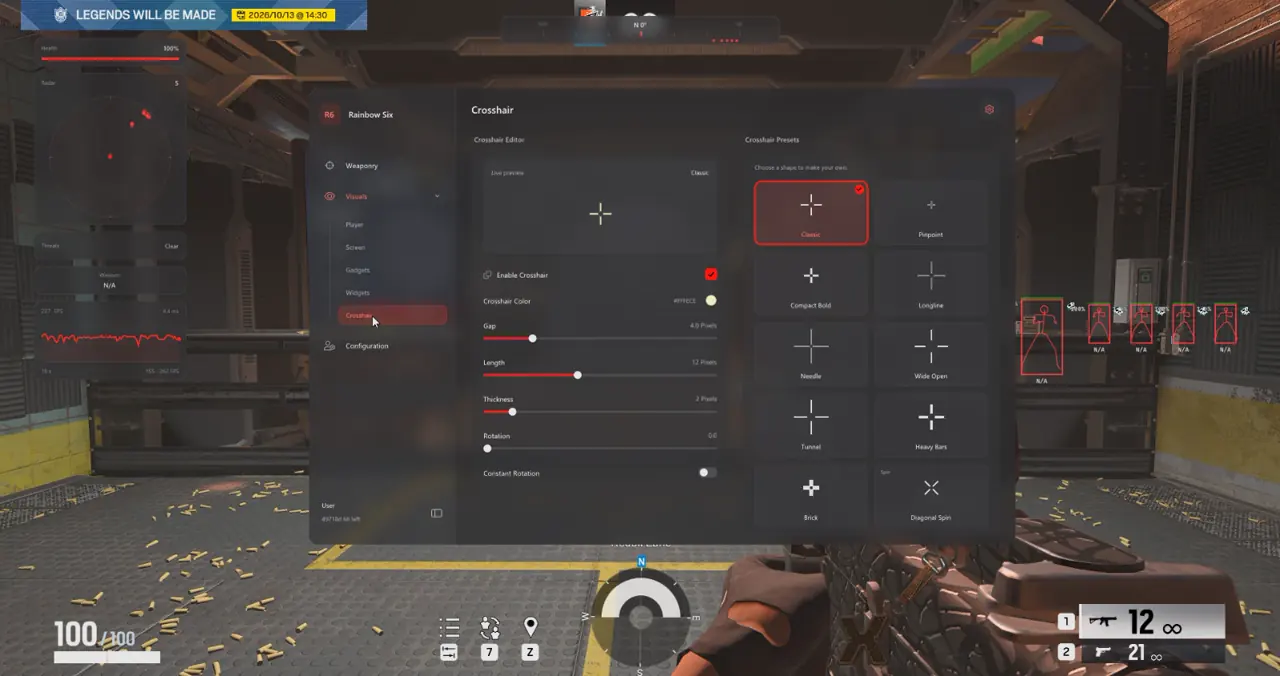
- Crosshair Editor (10 Presets): Add a crisp static center dot with custom Gap, Length, Thickness, and Rotation controls when swapping quickly between Holo and hipfire peeks.
- Profile Quick-Switch: Store separate 1x Defender and 2.5x ACOG Attacker presets inside 08. Configs & Interface so ADS scaling adjusts immediately between rounds.
Five-Step Ranked Legit Setup and StreamProof Verification
Use this five-step checklist with 08. Configs & Interface before streaming or queueing Ranked stacks.
- Confirm live
Undetectedstatus on Live Cheat Status and complete Windows prep on our Windows Setup Guide. - Run Rainbow Six Siege in Borderless display mode with 100% Windows scale and disable in-game Motion Blur.
- Set 01. Aimbot to 2.2° micro-FOV, 0.55x ACOG Dynamic ADS Multiplier, 30 ms delay, and Target Non-Visible OFF.
- In OBS Studio, add a Game Capture source targeting the Siege executable and confirm preview shows zero ESP or menu widgets.
- Save separate
R6_ACOG_AttackerandR6_1x_Defenderpresets inside 08. Configs & Interface for instant swaps.
Prerequisites, Expected Outcome and Fast Triage
Requires 64-bit Windows 10/11 (24H2–26H2), 8 GB+ RAM, Keyboard and Mouse input, and a Borderless window. Expect clean OBS Game Capture recording, subtle ACOG micro-tracking, and instant Stripe key delivery via /confirmation. If OBS shows the menu, switch from Display Capture to Window or Game Capture; if Txcizware-Loader.exe exits at launch, redo Step 2 security switches and enable WARP.
Combine this Ranked legit preset with our Rainbow Six Siege Aimbot, Occlusion and Curves Guide, Rainbow Six Siege Operator ESP and Radar Guide, and Rainbow Six Siege Trap Chams and Drone Guide, or select 1-Day (€9.99), 1-Week (€29.99), or 1-Month (€59.99) access on the Rainbow Six Siege Product Page.
Check active build availability on Live Cheat Status and verify Windows requirements in the Windows Setup Guide prior to queueing Ranked stacks.

