
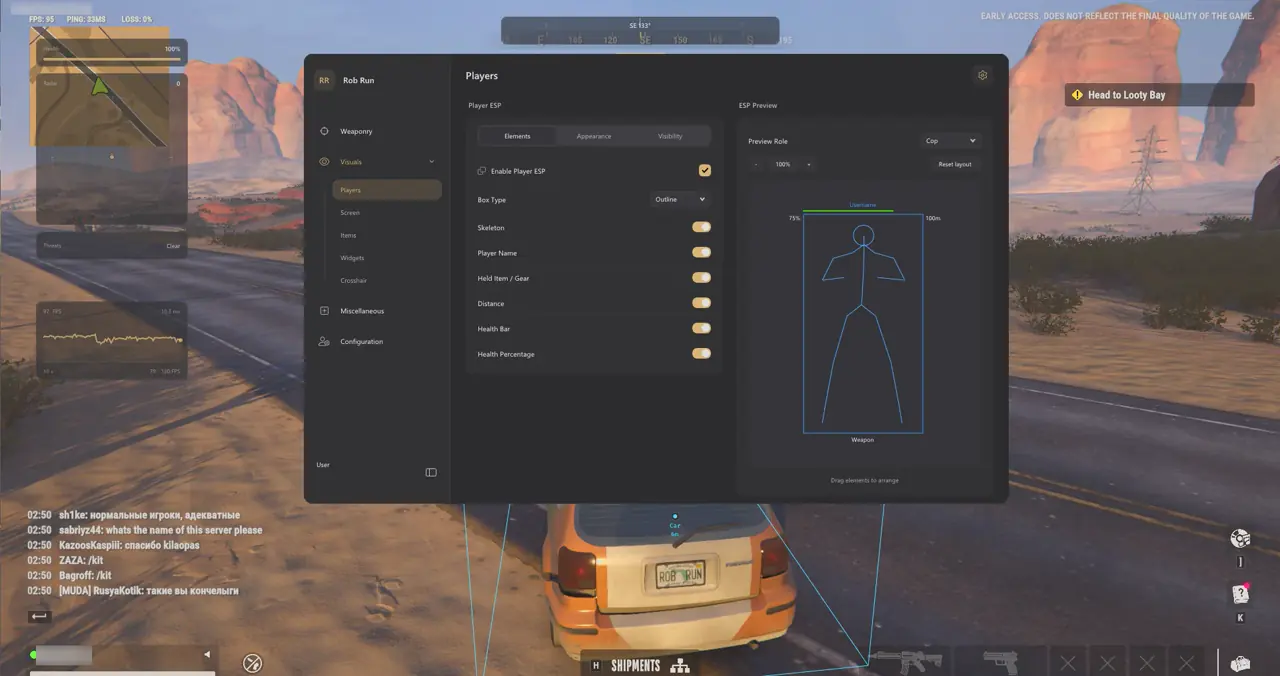
Local Vehicle Cosmetics: Colored Tire Smoke, Skid Trails, and Car Swaps
Group 11. Vehicle Cosmetics personalizes any vehicle you drive on your local client on Windows 10 and Windows 11 without changing physics, collision bounds, handling, or passenger seats. Every local cosmetic override restores original vehicle visuals automatically when toggled off, when exiting the driver seat, or when switching vehicles.
Because car swaps and tire smoke effects render strictly inside your local client viewport and respect StreamProof OBS Game Capture hiding, your customization never interferes with squad seating or collision behavior.
- Colored Tire Smoke: Choose any static RGB tint or enable animated Rainbow Mode with adjustable color-picker speed and saturation.
- Longer Skid Trails (1–30 s): Extend tire-track persistence on city asphalt anywhere from 1 second up to 30 seconds for showcase runs.
- Vehicle Model Selector: Swap your driven car's local visual mesh to any model in the active Rob Run catalog while retaining native physics.
- Instant Visual Restoration: Original vehicle models, tire smoke, and handling states restore automatically whenever you exit the driver seat or switch cars.
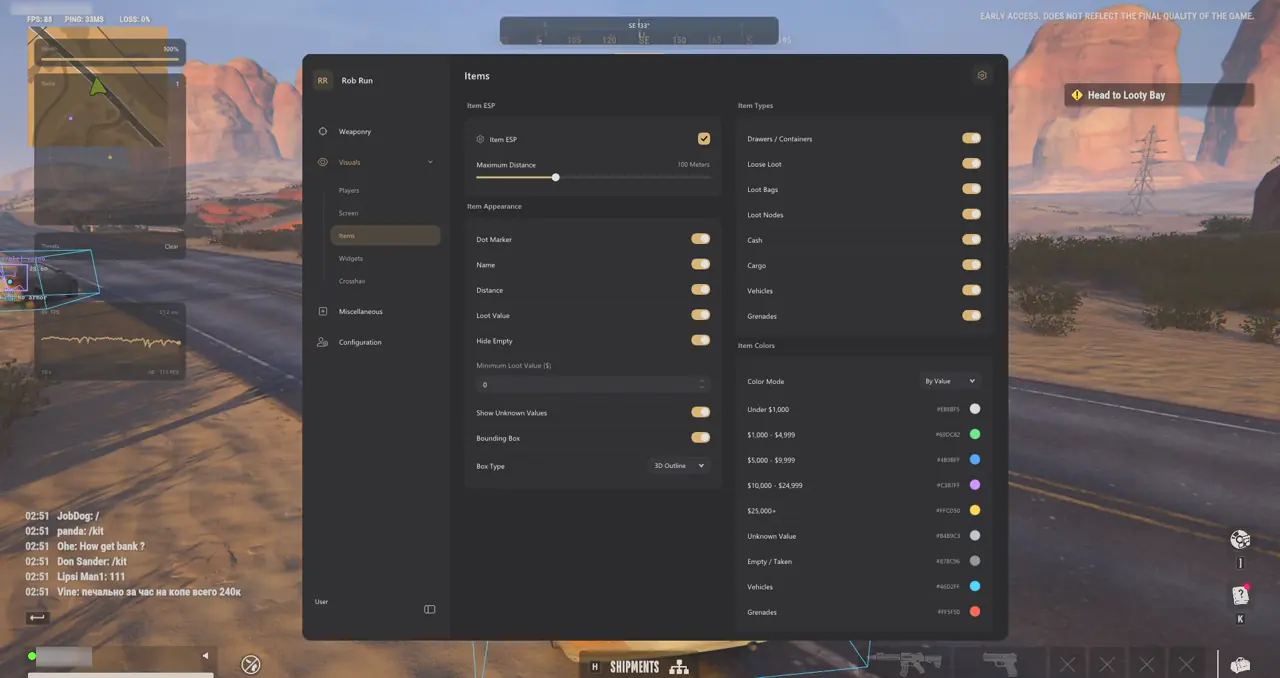
Camera FOV (60°–140°), Fullbright, No Fog, and HDR/SDR Scaling
Groups 10, 09, and 13 pair environmental lighting overrides with movable HUD panels and monitor DPI calibration so dark garages, foggy streets, and HDR monitors remain readable at high frame rates. Adjusting Camera FOV to 95°–115° opens hallway peripheral vision without widening Aimbot Targeting FOV.
Inside 09. HUD & Crosshair, you can customize gap, length, thickness, and static or continuous rotation across 10 built-in crosshair styles while placing FPS and Weapon widgets cleanly outside your central sightline.
| Control Name | Menu Group & Range | Tactical & Visual Benefit |
|---|---|---|
| Camera FOV Override | 10. Camera & Lighting (60°–140°) | Widens peripheral third-person view without changing Aimbot Targeting FOV |
| Fullbright & No Fog | 10. Camera & Lighting | Clears dark prison blocks, underground garages, and coastal street haze |
| Editable Sun Color | 10. Camera & Lighting (RGB) | Tints ambient lighting to reduce daytime glare and match your HUD palette |
| 10 Crosshair Presets | 09. HUD & Crosshair | Adjusts gap, length, thickness, static rotation, and constant spin |
| Movable HUD Widgets | 09. HUD & Crosshair | Displays FPS graph, loaded ammo, weapon name, health bar, and threat alerts |
| DPI & HDR/SDR Controls | 13. Interface & Colors (75%–200%) | Scales menu text and luminance for 1080p, 1440p, and 4K HDR monitors |
Positioning Movable HUD Widgets and HDR Luminance
Group 09 provides movable FPS graphs, Weapon Name & Loaded Ammo widgets, Health Bar, and Threat Warnings alongside a Reset HUD Layout button.
- 1080p Displays: Keep DPI Scale around 95%–105% and Camera FOV between 95° and 105°.
- 1440p & Ultrawide: Set DPI Scale to 115%–135% and widen Camera FOV to 105°–115°.
- 4K HDR Monitors: Enable HDR Overlay Mode in Group 13 and raise DPI Scale to 150%–175%.
Pairing subtle Fullbright brightness with No Fog eliminates shadowy corners in unlit prison hallways, parking garages, and night coastal extractions while keeping Camera FOV comfortable between 95° and 115° across 1080p, 1440p, and 4K displays without triggering peripheral distortion.
5-Step Night Visuals & HUD Profile Workflow
Save dedicated driving, night-raid, and showcase presets in 14. Configuration Profiles without overwriting your protected default profile:
- Open 10. Camera & Lighting, set Camera FOV Override between 100° and 115°, and toggle No Fog on.
- Enable Fullbright for unlit garages and tune brightness so textures keep comfortable contrast.
- Open 09. HUD & Crosshair, choose one of the 10 crosshair presets, and drag FPS and Ammo widgets away from center.
- Open 11. Vehicle Cosmetics, set Colored Tire Smoke or Rainbow Mode, and pick a local Vehicle Model.
- Open 14. Configuration Profiles, name the preset Night Heist Visuals, and click Save Profile.
Prerequisites, Expected Outcome & Fast Triage
Verify DPI and HDR states so crosshairs and HUD panels render sharply without washed-out highlights.
- Prerequisites: 64-bit Windows 10/11 (24H2–26H2), 8 GB+ RAM, Windowed/Borderless at 100% scale, Step 2 security OFF, and /status Undetected.
- Expected Outcome: Local car swaps and tire smoke render strictly on your client, Camera FOV expands cleanly, and OBS Game Capture hides every panel.
- Fast Triage: If crosshairs look washed out under Windows HDR, enable HDR Overlay Mode in Group 13; if widgets overlap, click Reset HUD Layout.
Managing separate Night Heist Visuals, Garage Showcase, and minimal daytime presets inside 14. Configuration Profiles lets you swap Camera FOV, custom crosshairs, Fullbright levels, and colored tire smoke effects instantaneously while leaving your protected default fallback profile untouched across restarts.
Explore core targeting in our Rob Run Complete Feature & Setup Guide, Rob Run Aimbot, Bezier FOV & Bone Scan Guide, Homestead ESP & Safe Value Guide, and No Recoil & Vehicle Aim Guide. Check Rob Run PC Cheats, Live Cheat Status, and the Windows 10 & 11 Setup Guide.

