
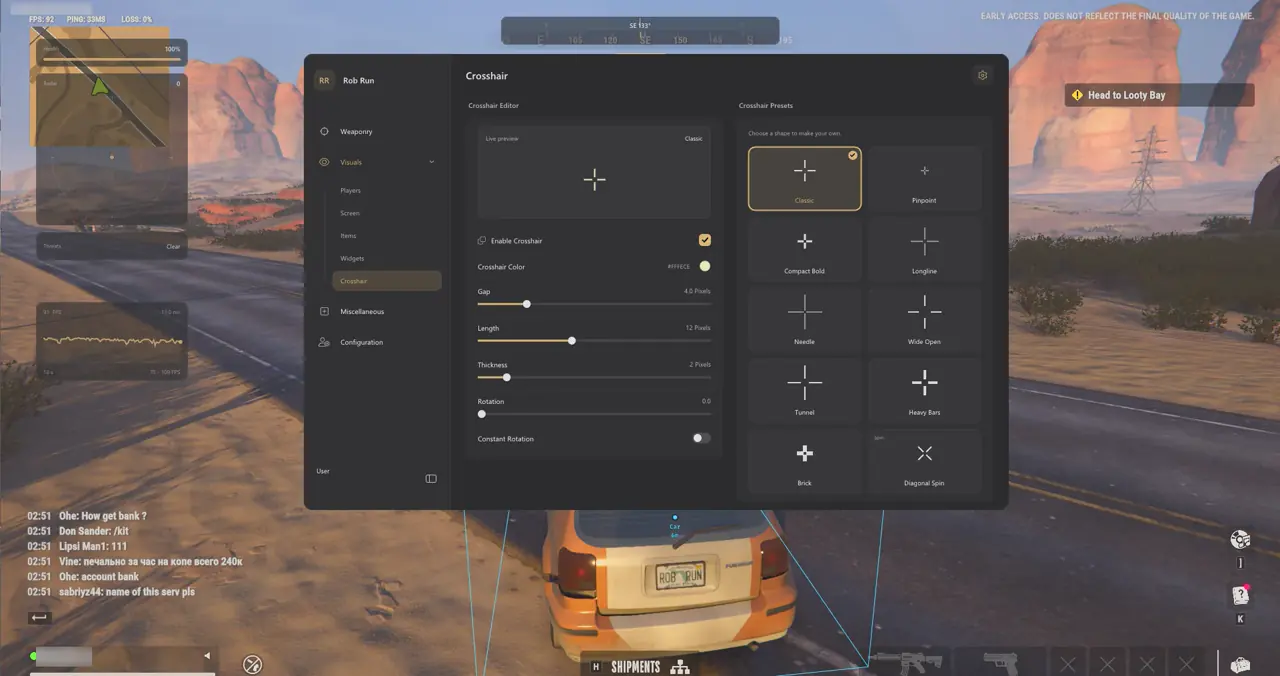
How Independent No Recoil, No Spread, and Firearm Archetypes Work
TXCIZ decouples 02. Weapon Control from 01. Aimbot & Targeting on Windows 10 and Windows 11 so manual aimers can run No Recoil or No Spread with Aimbot completely disabled. Both independent switches preserve native weapon-model firing animations and persist directly inside saved Configuration Profiles.
Understanding the mechanical split between recoil compensation and random spread control lets you tune assault rifles, SMGs, DMRs, and pump shotguns accurately without disabling native pellet spread.
| Weapon Control / Firearm | Client Mechanism | In-Game Ballistic & Aim Pairing |
|---|---|---|
| No Recoil (Rifles & Carbines) | Local aim-rotation recoil control | Removes camera climb while keeping weapon firing animations intact; pair with 45–65 px FOV |
| No Spread (SMGs & Pistols) | Local random-spread suppression | Removes rifle/SMG cone bloom during strafing while preserving native shotgun pellet spread |
| DMRs & Scoped Rifles | No Recoil ON, No Spread Optional | Stabilizes sight recovery between taps; pair with Head/Neck priority and Smooth curve |
| Combined Vehicle Mode | No Recoil + No Spread + Motion Track | Stabilizes full-auto bursts against moving sedans and helicopters without manual sliders |
Matching Switches to Assault Rifles, SMGs, DMRs, and Shotguns
Pairing No Recoil and No Spread selectively by weapon class keeps bursts consistent across hallway SMGs, carbines, scoped DMRs, and shotguns.
- Assault Rifles & Carbines: Run No Recoil ON with optional No Spread and Upper Chest or Bone Scan.
- SMGs & Machine Pistols: Combine No Recoil + No Spread for tight close-quarters strafe sprays.
- DMRs & Shotguns: Keep No Recoil ON for DMR sight recovery; No Spread retains native shotgun pellet spread.
Automatic Vehicle-Occupant Tracking, Bullet Tracers, and Movement
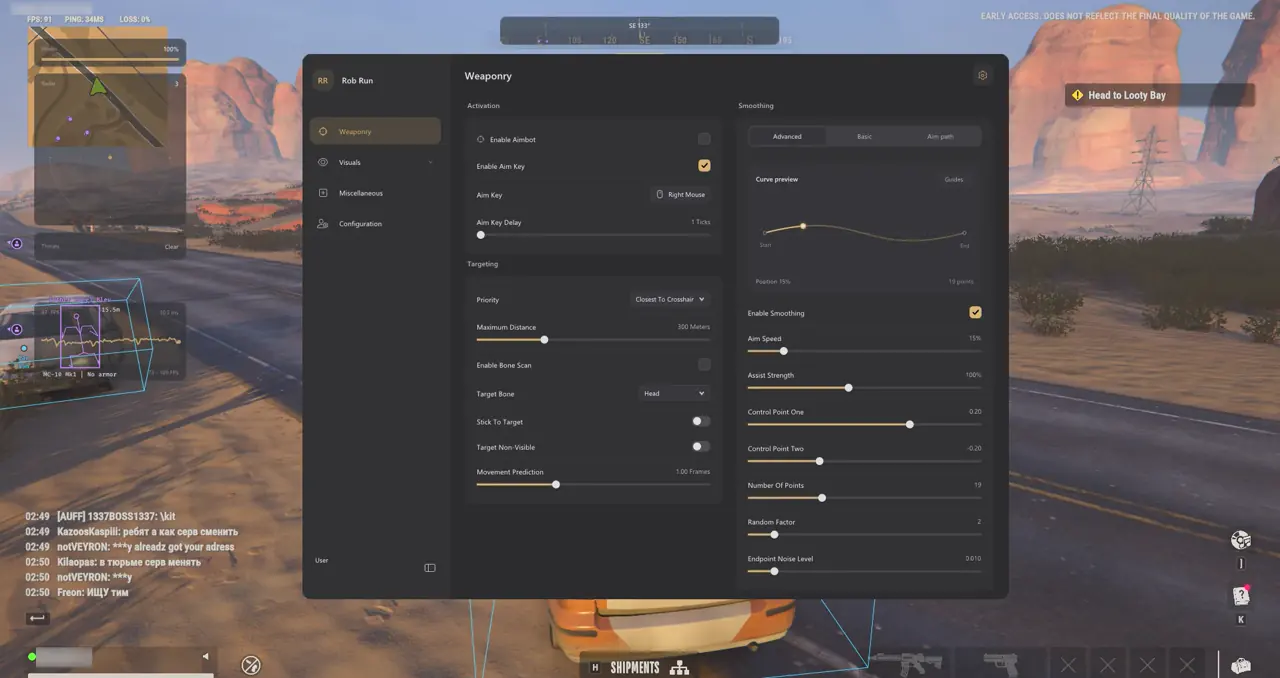
Automatic Vehicle-Occupant Motion Tracking compensates for rendered character pose lag inside speeding getaway cars and extraction helicopters using recent velocity data, removing any need for a manual prediction slider. Pair highway pursuits with 12. Movement & Bullet Tracers to confirm hit alignment and wall impacts visually.
Enabling Bone Scan during vehicle chases helps lock onto heads or shoulders exposed above car doors and windshields rather than aiming at armored door panels. Pursuing speeding getaway sedans across highway overpasses or tracking low-flying extraction helicopters benefits from moderate Smooth or Balanced curves rather than zero-smoothing snaps, keeping transitions natural when a driver hops out onto asphalt.
- Bullet Tracers: Draws colored shot lines with customizable thickness and fade duration to confirm long-range alignment across streets.
- Impact Markers: Marks exact bullet impact coordinates in a separate color to distinguish solid wall hits from clean body hits.
- Bunny Hop: Supports an optional hold key for rhythmic jump timing, or runs automatically when left unbound in Group 12.
- Local Speed Slider (0.5x–4x): Exposes client speed adjustment; game server checks can clamp or correct aggressive multipliers.
- Recoil & Smoothing Split: Keep Weapon Control active with Smooth or Balanced Aimbot curves rather than zero-smoothing snaps during fast vehicle pursuits.
Pairing independent No Recoil and No Spread toggles with Bone Scan ensures moving sedans and hovering police helicopters remain controllable without sacrificing authentic burst pacing across assault rifles, SMGs, pump shotguns, and long-range scoped marksman rifles.
5-Step Setup for a Natural Recoil & Vehicle Pursuit Profile
Use this five-step checklist to build a clean weapon-stability and vehicle-pursuit profile for both indoor raids and highway chases:
- Open 02. Weapon Control and toggle No Recoil on first, testing a magazine spray to verify camera stabilization.
- Toggle No Spread on when running automatic rifles or SMGs while retaining native shotgun pellet spread.
- In 01. Aimbot & Targeting, set Maximum Target Distance to 350 m and enable Bone Scan for heads exposed inside vehicle windows.
- In 03. Smoothing & Aim FOV, choose Smooth or Balanced with Dynamic ADS Multiplier enabled.
- Enable subtle Bullet Tracers and Impact Markers (1.5 s duration) in Group 12, then save your preset in 14. Configuration Profiles.
Prerequisites, Expected Outcome & Fast Triage
Confirm display and security readiness before testing recoil and vehicle presets.
- Prerequisites: 64-bit Windows 10/11 (24H2–26H2), 8 GB+ RAM, Windowed/Borderless at 100% scale, Step 2 security OFF, and /status Undetected.
- Expected Outcome: Manual firing shows zero vertical camera climb with No Recoil active, and aiming near moving cars tracks window-exposed bones smoothly.
- Fast Triage: If vehicle tracking lags behind fast turns, enable Bone Scan and lower Stick-to-Target; if speed slider rubberbands, return speed to 1.0x.
Combining independent Weapon Control switches with saved Role Exclusions lets you switch immediately between manual hallway sprays and highway pursuit presets without altering your primary mouse sensitivity.
Explore curve tuning in our Rob Run Aimbot, Bezier FOV & Bone Scan Guide, compound raids in the Rob Run Homestead ESP & Safe Value Guide, and HUD options in the Vehicle Cosmetics, Camera FOV & HUD Guide. Check access tiers on Rob Run PC Cheats, verify uptime on Live Cheat Status, and inspect Windows 10 & 11 Setup Guide.

