
Separating Legit Street Curves from Arena Modifiers in HW2
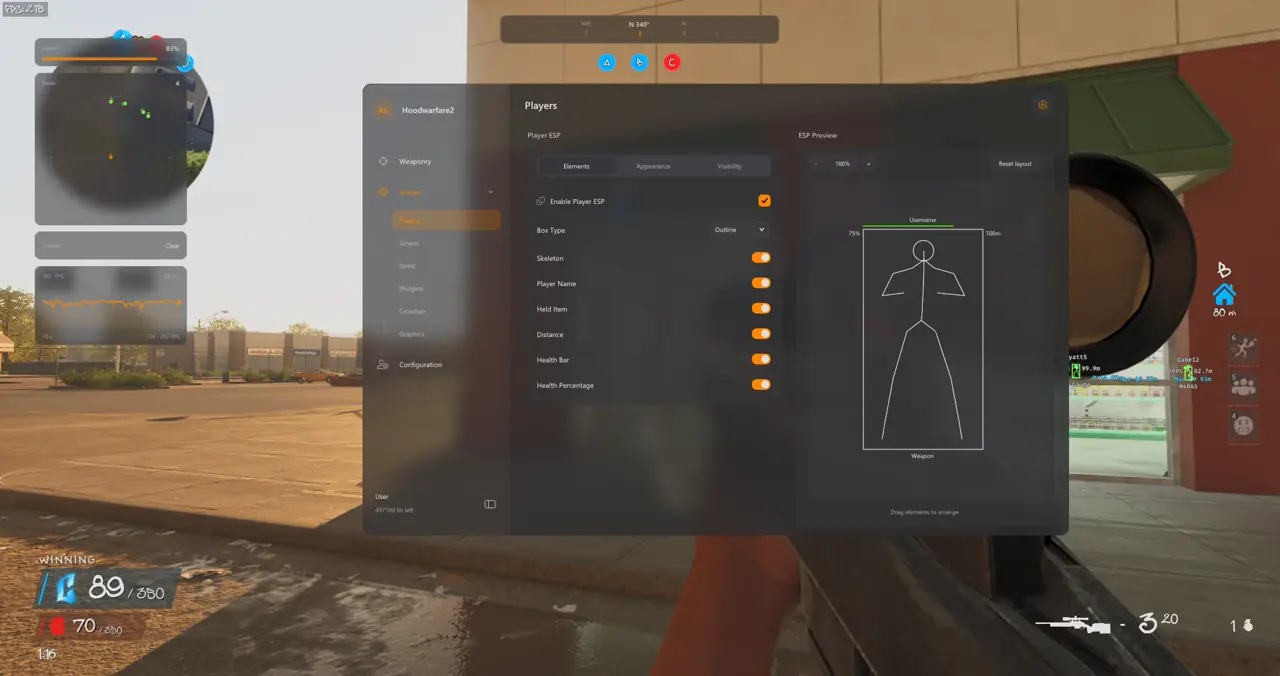
TXCIZ Hood Warfare 2 isolates subtle legit Bone Scan aiming from high-intensity arena tools (Magic Bullet, Bunny Hop, Bullet Tracers, 1×–9× Speed Editor) inside Module 08 Configuration Profiles across Windows 10 and Windows 11 64-bit Steam lobbies, preventing accidental cross-lobby setting leaks.
Fast-respawn Steam gunfights around parked cars and balcony railings punish static head locks when rivals crouch-spam. Storing two distinct slots inside the Hood Warfare 2 74-Setting Suite lets you swap safely between competitive public queues and chaotic arena rooms.
Legit Street Preset vs. High-Tempo Arena Preset
Legit Street presets cap FOV at 2.5°–4.0° with Advanced Bezier S-curves and zero misc modifiers, whereas Arena presets pair wider 10° tracking with Magic Bullet, Bunny Hop, and Speed Editor.
| Setting Category | Legit Street / Stream Preset | High-Tempo Arena Preset |
|---|---|---|
| Aimbot Mode & FOV | Lock-On · 2.5°–4.0° FOV · Stick To Target On | Magic Bullet + Lock-On · 10° FOV |
| Bone Selection | Bone Scan (Neck, Upper Chest, Head) | Head Priority + Bone Scan Fallback |
| Target Non-Visible | Disabled (Strict Line-of-Sight) | Optional for thin cover pre-aim |
| Smoothing Curve | Advanced Bezier (Medium-Slow S-Curve) | Fast Linear / Low Delay |
| Misc Modifiers (Module 09) | All Arena Modifiers Disabled | Bunny Hop + Bullet Tracers + 1x–9x Speed Editor |
Bunny Hop, Bullet Tracers, and 1×–9× Speed Editor Bounds
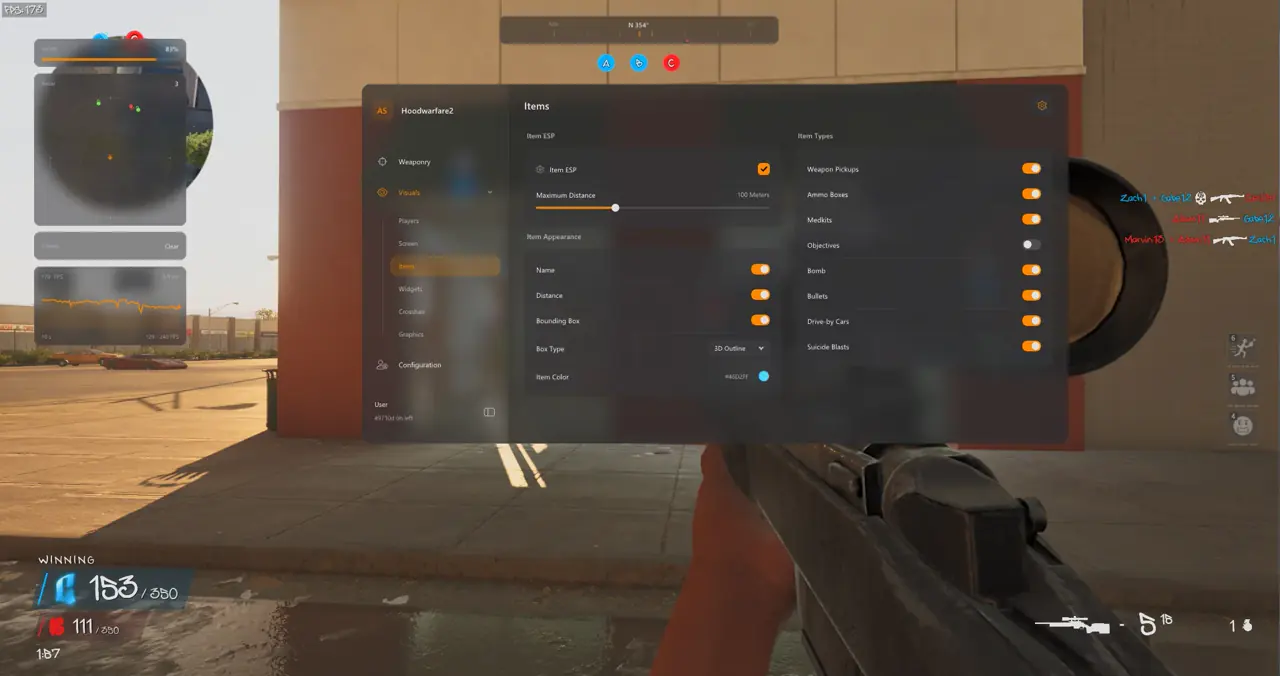
Module 09 Miscellaneous supplies a configurable Bunny Hop keybind, muzzle-origin Bullet Tracers (color, thickness, duration), custom impact markers, and a 1×–9× Speed Editor multiplier strictly isolated from your legit preset slot.
Five-Step Workflow to Build and Lock Your LegitStreet Profile
Save your LegitStreet preset first in five structured steps before activating Magic Bullet or arena modifiers in a second slot.
- Enable Bone Scan inside 01. Aimbot so targeting shifts smoothly from Head to Neck or Chest behind vehicle fenders.
- Bind Right Mouse or a side mouse button with a
25ms–45msAim Key Delay to preserve natural flick openings. - Shape a soft entry curve on the Advanced Bezier graph inside the Smoothing Visualizer.
- Enable Clamp To FOV and
0.60x–0.70xDynamic ADS Multiplier so red-dot SMG sprays stay steady. - Save the profile as
LegitStreetinside 08. Configuration Profiles before creating a separateArenaMagicslot.
Respawn Persistence, Contrast & Related HW2 Guides
Maintaining 100% Windows display scale and dedicated per-mode Config Browser slots preserves your Bezier curves, Team Filtering after halftime swaps, and StreamProof HUD visibility across rapid TDM respawns.
Pair these presets with zone intel in our Capture The Block Pickup ESP & Camo Guide, review curve math in our Aimbot FOV & 22-Bone Guide, or inspect the full suite in our 9-Module Street ESP & Radar Guide.
Check live uptime on Live Cheat Status, review Windows security prep on Windows 10 & 11 Setup Guide, and claim instant Steam access on Hood Warfare 2 PC Cheats.
Prerequisites, Expected Outcome & Fast Triage
Verify your Windows environment and Step 2 prep before loading Txcizware-Loader.exe (2.61 MB) for Hood Warfare 2.
- Prerequisites: Windows 10/11 64-bit (
24H2-26H2), 8 GB+ RAM, Windowed or Borderless (100%scale, HDR OFF), Step 2 toggles OFF,/statusbadge Undetected. - Expected Outcome: Library Launch displays [+] You can open the game now;
F2at Main Menu beeps and loads theInsertmenu; switching Config slots swaps Legit and Arena presets cleanly.
Fast Triage for Common Loader and Preset Issues
Use these four triage actions if the loader exits, auth stalls, or your preset fails to overlay.
- Loader closes or 0x00000001: Redo Step 2 Defender settings after reboot, sync Windows Time, and turn on
WARP(1.1.1.1). - Stuck 10% or 521 / 429: Enable Cloudflare
WARP(1.1.1.1) or wait15-30minutes for429limits to clear. - Overlay hidden or misaligned: Verify Windowed/Borderless mode,
100%DPI scale, and close NVIDIA, Discord, or RTSS overlays. - BSOD or MsSo64.sys: Update drivers, keep HVCI and Hyper-V off (pause BitLocker first), and send
Minidumpplusinjector.tosin #🎫┃ticket-maker.

