
How TXCIZ Identifies and Colors All Six Player Roles
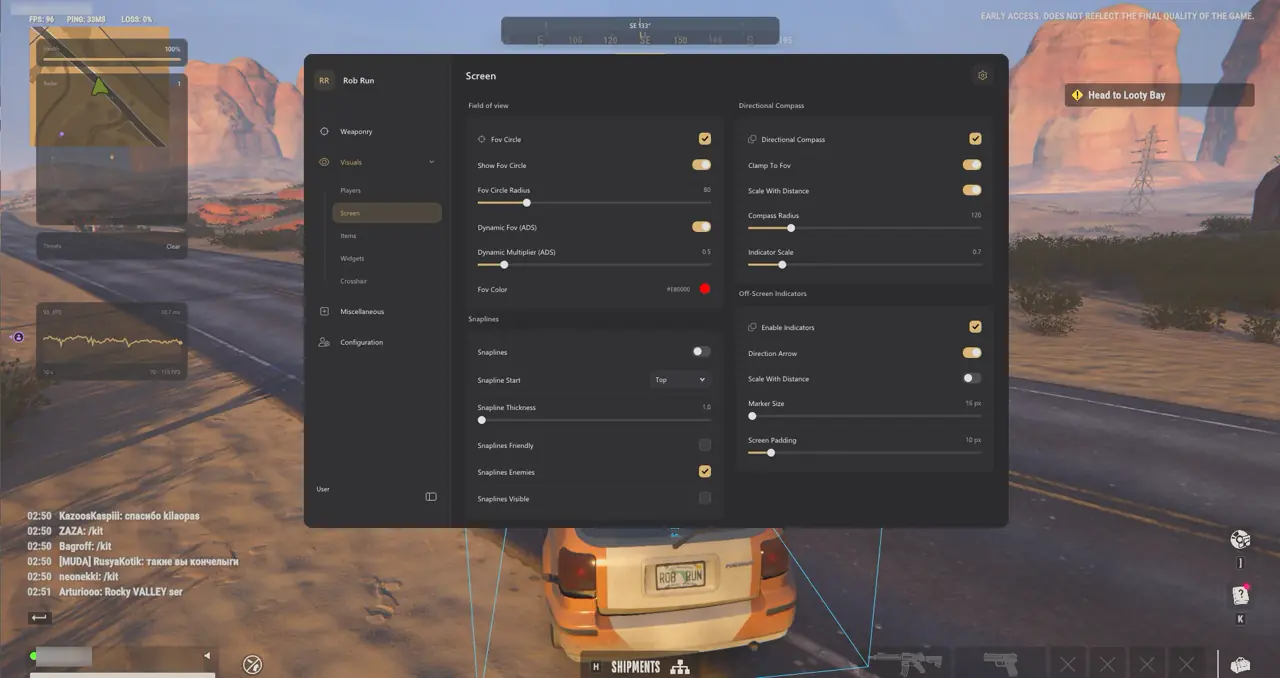
Rob Run populates city districts with six distinct player states—Cop, Criminal, Civilian, Prisoner, Other, and Unknown—requiring role-aware color and target filters to prevent friendly-fire mistakes on Windows 10 and Windows 11. Editable color pickers in 04. Player ESP & Roles apply uniformly across world boxes, skeletons, 2D Radar blips, compass pins, and off-screen arrows.
Unlike generic shooters where every character outside your party is hostile, asymmetric heist lobbies put armed police interceptors, rival heist crews, unarmed civilians, and prison escapees on the same street corner. Pairing uniform 6-role coloring with held-weapon tags and teammate exclusions eliminates hesitation before pulling the trigger.
| Role Label | Default Color | ESP & Aimbot Handling |
|---|---|---|
| Cop | Blue | Primary threat for Criminals; excluded automatically from Cop-side targeting |
| Criminal | Red | Primary target for Police patrols and rival Criminal heist crews |
| Civilian | Green | Keep visible on short-range ESP, or hide via Criminals Only on Police patrol |
| Prisoner | Orange | Track near prison facilities, jailbreaks, and transport convoys |
| Other / Unknown | Purple / Gray | Newly spawned or unresolved states; skipped by auto-targeting until resolved |
Mandatory Friendly Exclusions, Role Logic, and Held Gear Telemetry
Group 01 enforces mandatory exclusions before role switches run, guaranteeing that clanmates, party members, battle teammates, dead players, and unresolved entities are never targeted. When spawning as a Cop, automatic role targeting isolates eligible Criminals; as a Criminal, five individual Target Filter switches govern Cops, Criminals, Civilians, Prisoners, and Other Roles.
Aim at Knocked stays off by default so firefights transfer cleanly to standing threats rather than locking onto downed opponents. In Group 04, Held Item / Gear reveals equipped firearms while Armor Details exposes body armor presence and segment counts when supplied by the server.
- Held Item / Gear: Isolates rifle and shotgun threats from unarmed runners around bank and jewelry vaults.
- Armor Details: Displays armor presence and detailed segments when server inventory telemetry is broadcast.
- Criminals Only & Ignore Non-Visible: Strips non-hostile clutter on Police Patrols and hides targets behind solid walls.
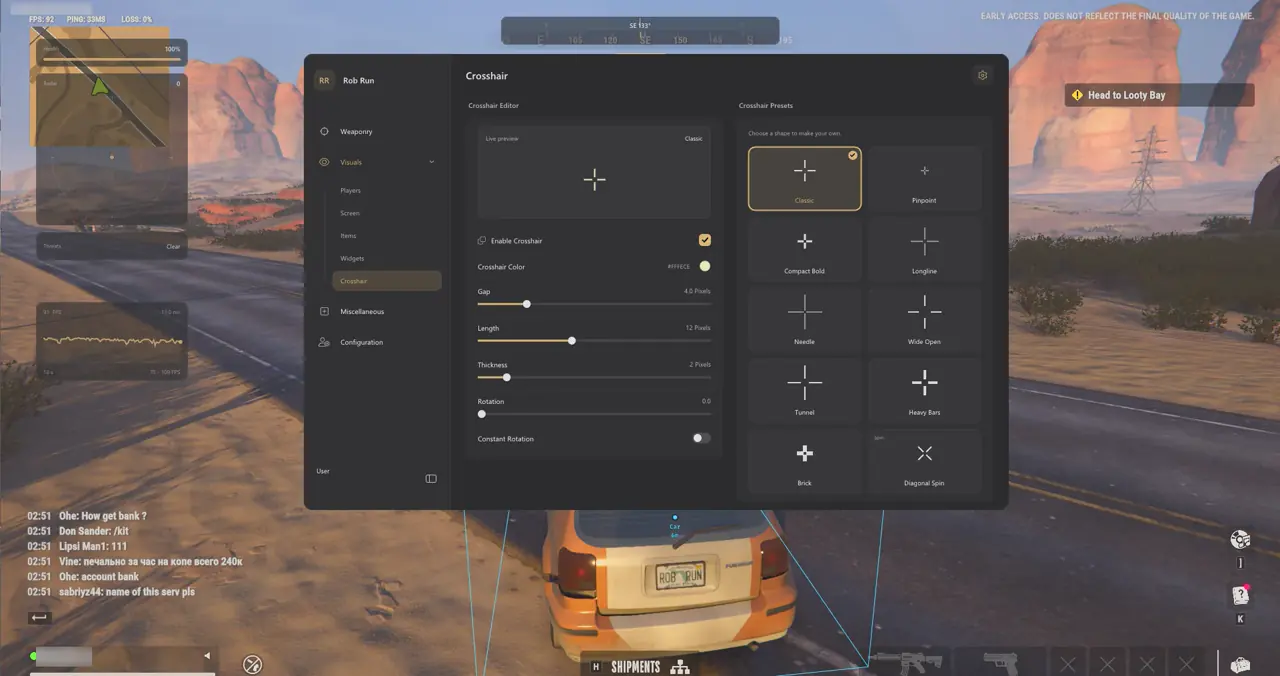
- Interactive ESP Preview: Test role colors, font sizing, zoom scale, and label layout on the built-in preview card.
- Knocked Opacity & Transfer: Keep Aim at Knocked disabled so your crosshair automatically snaps to active standing gunmen instead of downed bodies.
How Loadout Value Estimate Behaves at Long Range
Loadout Value Estimate displays remote inventory sums only when detailed inventory data is available from the game server, omitting the row cleanly for distant players.
5-Step Setup for Dedicated Police Patrol and Criminal Heist Profiles
Saving opposite Police Patrol and Criminal Heist presets inside 14. Configuration Profiles lets you swap target filters and ESP visibility rules in two clicks whenever you change sides:
- Create a Police Patrol config in 14. Configuration Profiles, enable Criminals Only ESP in Group 04, and lock Group 01 Target Filters to Criminals.
- Confirm Aim at Knocked is OFF and Held Item / Gear is ON to isolate standing armed suspects first.
- Save Police Patrol, then toggle Show Targets for Cops and rival Criminals while switching Criminals Only OFF.
- Enable Blue Cop and Red Criminal colors across 2D Radar and Off-Screen Arrows in Group 08.
- Save this second preset as Criminal Heist so side swaps take two clicks without rebuilding filters.
Prerequisites, Expected Outcome & Fast Triage
Confirm teammate and role filter interactions so neither Police nor Criminal presets skip valid targets.
- Prerequisites: 64-bit Windows 10/11 (24H2–26H2), 8 GB+ RAM, Borderless/Windowed at 100% scale, Step 2 security OFF, and /status Undetected.
- Expected Outcome: Cop profiles highlight and lock only onto non-allied Criminals, while Criminal profiles distinguish Cops, rivals, and held weapons cleanly.
- Fast Triage: If Aimbot ignores a player, check Clan/Party status, Target Filters, and Aim at Knocked; if radar colors mismatch boxes, check Group 04.
Saving distinct Heist Offense and Police Patrol presets ensures your Target Filters and Role ESP colors stay aligned across every side rotation without manual menu adjustments mid-match.
Combine role filtering with Bezier tuning in our Rob Run Aimbot, Bezier FOV & Bone Scan Guide, wallhack visibility in the Rob Run Wallhack, Role ESP & 2D Radar Guide, recoil stability in the Rob Run No Recoil, Spread & Vehicle Aim Guide, and HUD presets in the Vehicle Cosmetics, Camera FOV & HUD Guide. View plans on Rob Run PC Cheats, check Live Cheat Status, and follow Windows 10 & 11 Setup Guide.

